Chrome Update Pop‑Up Malware Explained: Malicious Extension Surge Hits Nigeria 2026
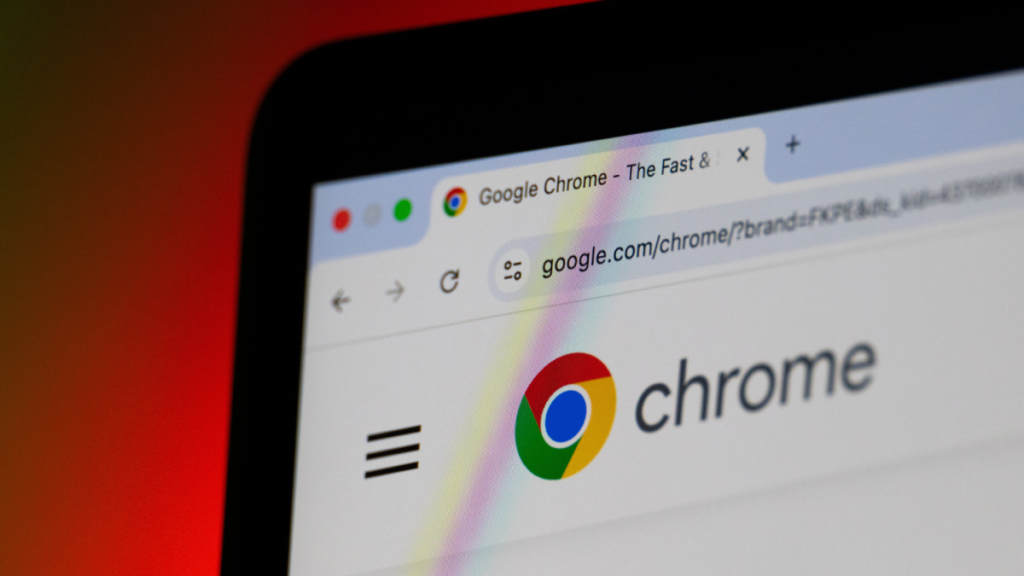
The pop‑up that fooled millions
In early August 2026, users of Google Chrome across the globe reported a sudden pop‑up that mimicked the browser’s official update notification. The banner displayed the familiar Chrome logo, a version number, and a ‘Restart to update’ button, prompting users to click. Within hours, security researchers discovered that the prompt was not a genuine update at all, but a delivery mechanism for a malicious browser extension.
The fake update was distributed through a network of compromised websites that injected the pop‑up via malicious JavaScript. When a user clicked ‘Restart’, Chrome opened a new tab that automatically installed an extension disguised as a productivity tool. Once active, the extension harvested browsing history, injected ads, and, in some cases, captured login credentials before disappearing from the extensions list.
How malicious extensions slip past Google’s checks
Google’s Chrome Web Store employs automated scanning and a manual review process intended to weed out harmful code. However, attackers have learned to exploit the lag between an extension’s upload and its final approval. By using obfuscated code and frequently updating the extension’s package, they can stay one step ahead of Google’s detection algorithms.
Another weak point is the “side‑load” method, where an extension is installed directly from a website rather than the official store. The fake update pop‑up used this route, bypassing the store entirely. Because Chrome treats side‑loaded extensions as legitimate if the user consents, the malicious code gains the same permissions as a trusted add‑on, making it extremely dangerous.
Why African users are especially vulnerable
Internet penetration in Africa has risen to over 50 % as of 2026, with Nigeria alone accounting for more than 140 million online users. Much of this growth is driven by mobile devices that rely on Chrome or Chromium‑based browsers for speed and data efficiency. Mobile users often have limited data plans, so they are less likely to double‑check a pop‑up that promises a quick security fix.
A recent survey by the African Cybersecurity Alliance (ACA) found that 38 % of respondents in Nigeria had installed a browser extension after seeing an unsolicited prompt. The same study highlighted that many users are unaware of the difference between a legitimate Chrome update and a third‑party pop‑up, creating a fertile ground for social‑engineering attacks.
The broader battle over browser security
The Chrome incident is part of a larger trend where attackers target the browser layer, the most exposed entry point for web traffic. In the past twelve months, reports from cybersecurity firms have documented a 62 % rise in malicious extensions across all major browsers, with ransomware and credential‑theft payloads becoming more sophisticated.
Google has responded by tightening its side‑load warnings and rolling out a new “Extension Safety Score” that appears in the toolbar. Yet experts say that user education remains the weakest link. In regions where digital literacy programs are still nascent, such as many parts of Sub‑Saharan Africa, the gap between technical safeguards and user behavior is widening.
What users and developers can do now
For everyday users, the first line of defence is to verify any Chrome update through the browser’s built‑in “About Chrome” page, which automatically checks for new versions. If a pop‑up appears while browsing, it should be treated as suspicious, especially if it asks to restart the browser immediately.
Developers and website owners can also help by implementing Content‑Security‑Policy (CSP) headers that block unauthorized scripts from injecting pop‑ups. Additionally, the ACA recommends that African tech hubs partner with local ISPs to broadcast security alerts in native languages, ensuring that the message reaches users who may not follow English‑language tech blogs.
Quick Answers
How can I tell if a Chrome update pop‑up is fake?
Open Chrome’s menu, go to ‘Help → About Google Chrome’, and check the version; genuine updates are installed only from this page.
What should I do if I installed the malicious extension?
Remove the extension from Chrome’s extensions page, run a reputable anti‑malware scan, and change passwords for any accounts you accessed while the extension was active.
Are African users more at risk from browser‑based malware?
Yes, rapid mobile adoption, limited digital‑literacy resources, and frequent side‑loading of extensions make many African users prime targets for these scams.
Source: lifehacker.com



💬 Comments 0